Features · Boxes and displays
Lists
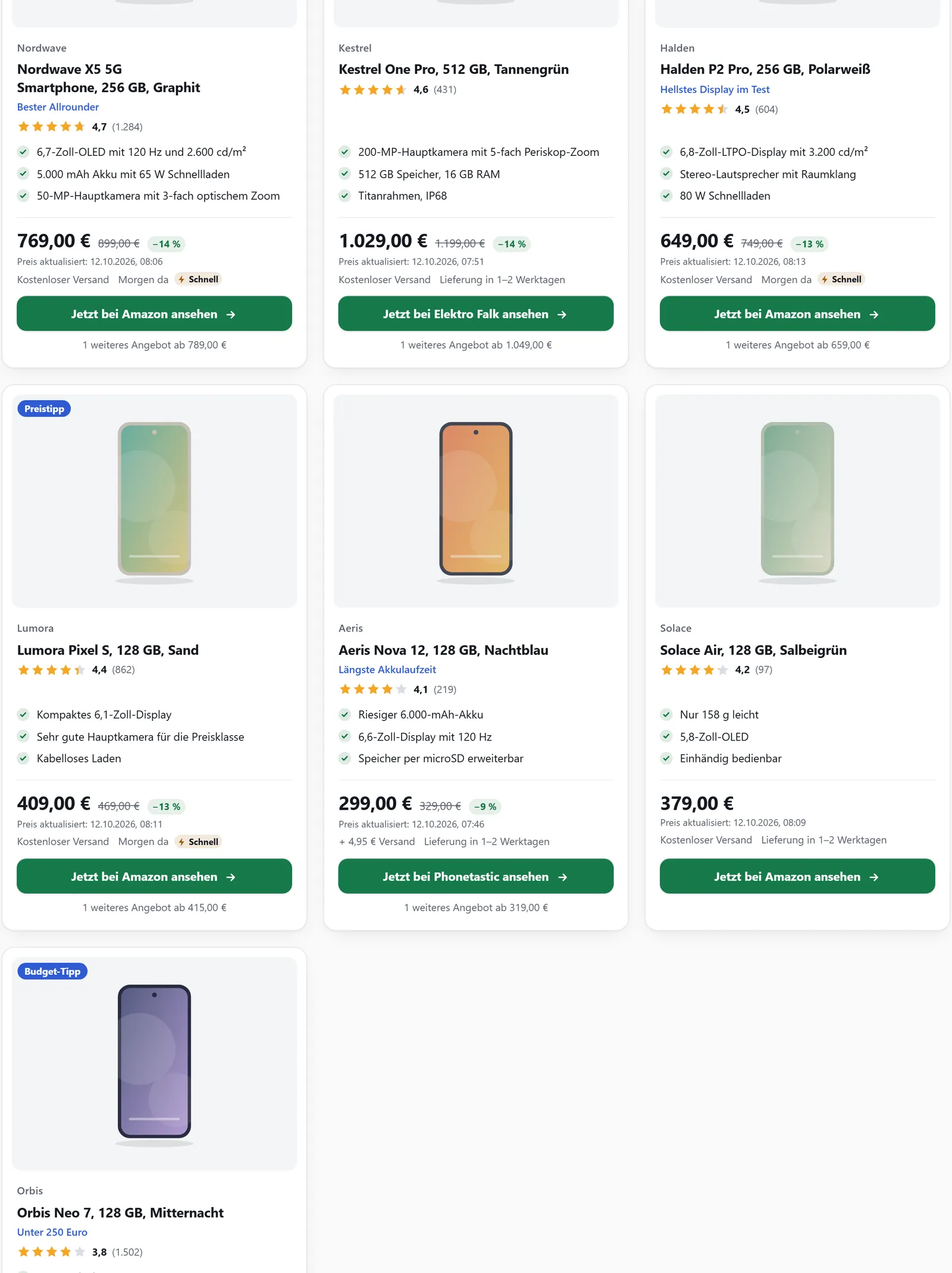
You maintain lists once in the affilinode dashboard and release them for your websites. In a post they appear as a grid, rows or a carousel, with prices and availability fetched fresh from affilinode every time.
In all plans
What it does
- Hand-picked lists with a badge and note for each entry
- Dynamic lists by product type, brand and sort order
- Amazon bestsellers and new releases for a keyword
- Swipeable, accessible carousel with no automatic slide change
- Sort and filter per shortcode without touching the list
- Deals box with dropped best prices, where the partner programme allows it
Lists in the dashboard
A manual list is filled by hand: search for products, drag them into order and give each entry a badge and a note. A dynamic list fills itself by rules whenever it is requested – product types, brands, sort order and 1 to 100 entries, optionally only products in stock.
Under “Visible on” you choose the websites the list may appear on. Empty lists stay invisible to visitors. If a product is no longer available, the list can show a replacement; replace decides whether it carries a note.
Bestsellers and new releases from Amazon
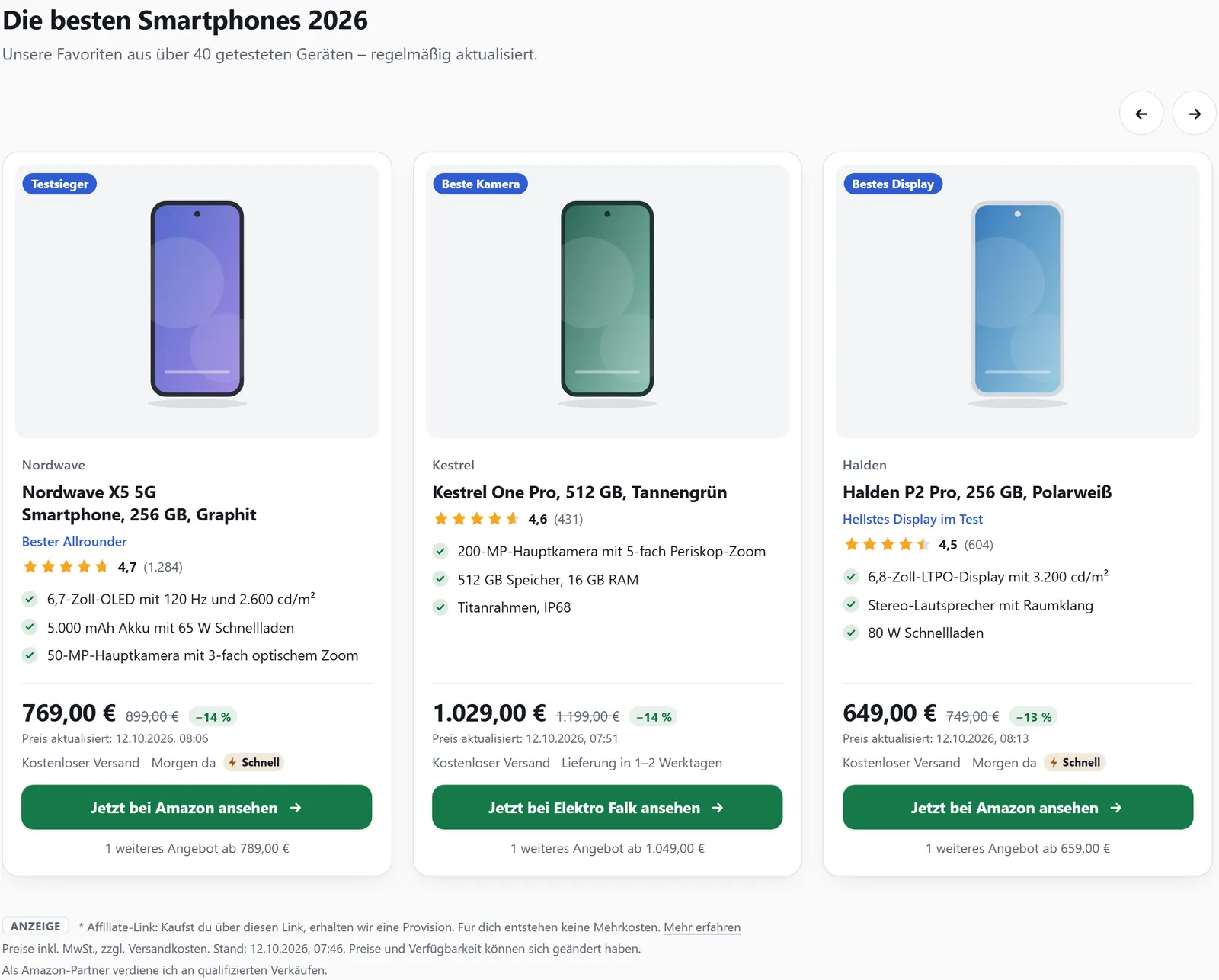
A list can fill itself from Amazon: the bestsellers or new releases for a keyword, optionally narrowed to an Amazon category. affilinode asks Amazon at most every 24 hours, using the credentials of your own Amazon Associates account, and stores only the ASINs.
In the plugin you don’t even need a list in the dashboard: [affilinode_amazon_list] creates it on first view. Your plan’s product quota is never exceeded – the list would rather show fewer entries.
Grid, rows and carousel
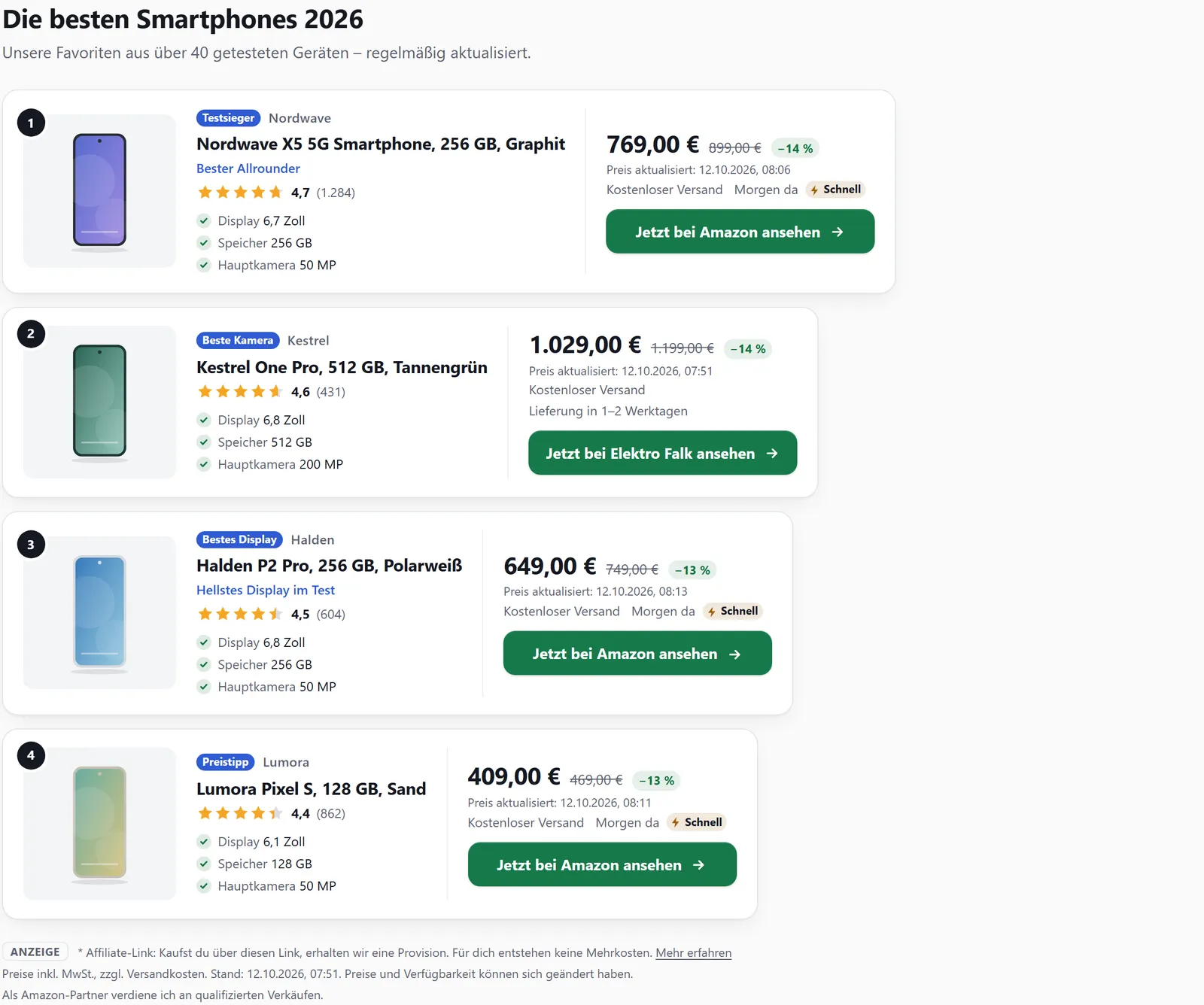
template="grid" shows cards in a grid, template="list" stacks them as rows, and ranking adds place numbers. view="carousel" puts the cards in a row that visitors swipe, scroll or page through with arrows. There is only an automatic slide change if you set autoplay – then with a stop button, and never when the visitor prefers reduced motion.
The carousel follows the W3C carousel pattern with labelled buttons, arrow keys and a status line for screen readers. Without JavaScript all cards stay reachable in a scrollable row.
Sorting, filtering and deals
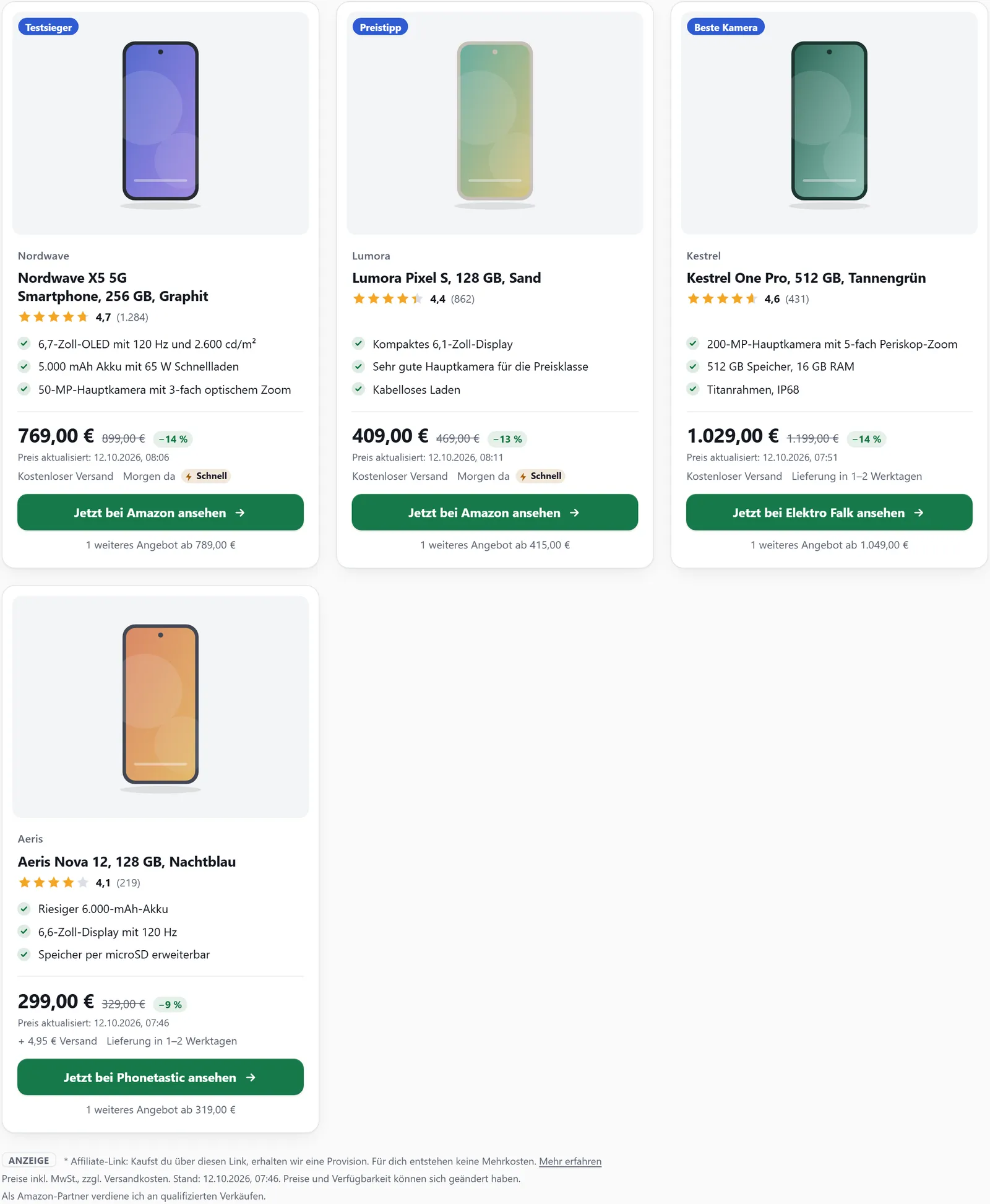
sort reorders a list in a single post without changing it in the dashboard: by price, customer rating, title or saving. only_available, brand and min_discount filter it, and limit shortens it afterwards. The deals box shows products whose best price has demonstrably dropped – measured against the lowest price of the 30 days before – and is also available as an RSS feed.
Examples
List as a three-column grid with ten entries.
[affilinode_list id="…" template="grid" columns="3" limit="10"]The same list as a carousel.
[affilinode_list id="…" view="carousel"]Amazon bestsellers for a keyword.
[affilinode_amazon_list keyword="headphones" sort="bestseller" limit="5"]Good to know
- Amazon policy 6(y): if your account uses Amazon, deal lists and sorting or filtering by saving are off unless a written exception is confirmed. Sorting by current price still works.
- Deals are based on recorded prices; affilinode never records Amazon prices.
- Amazon lists need an active Amazon Associates programme with credentials for the website’s country; an account can have up to 25 automatically created Amazon lists.
- Sorting only uses the current price a shop shows. eBay offers from the eBay API count neither for the price nor for the saving.
Which shops you can use depends on the plan.
Guide in the help center (German): listen-und-vergleiche
Goes well with
Try it yourself
14 days with all features, no payment details. Afterwards your account continues on the free Basic plan.